on
An MCP server for this blog
Caus, why not ? There are north of 6300 MCP servers out there in the wild !
If you don’t know what MCP is, you can read about it here
It’s a way for AI applications(e.g. LLMs, AI Assistants etc) to tie into your own tools, workflows etc. AI Apps do a great job of reasoning / articulating, but it needs data for this. Data that is often siloed, on which it did not train and does not know about.
So I thought, why not write an MCP server for…this blog ! My high level requirements are:
- Write an MCP server for this blog and provide the content of my posts and books (this will allow me to use AI to ask natural language questions about my posts, ask for new book recommendations based on past readings etc)
- Integrate this with claude desktop, so I can use it from my desktop easily
- Write most(if not all the code) with AI
Rather than posting code here, I’ll be posting prompts for the code. (I’m using Cursor for this).
Environment setup
% mkdir mcp_jil
% cd mcp_jil
% uv venv
% source .venv/bin/activate
Writing an MCP Server
Open the mcp_jil dir in Cursor
Prompt: I have a venv setup inside .venv. I want to write an MCP server in python. It should provide capability to list and read resources. The resources are rooted in the url https://jimmyislive.dev . I want to be able to read the posts on the site and also the books available at https://jimmyislive.dev/books/. I don't need to get the book contents. I only need to list the books and their authors and urls where the book can be obtained.
This gave me pretty much everything I needed. In 5 minutes I had an entire MCP server done and tested.
Test with Claude Desktop
I added the appropriate configs to the claude_desktop_config.json:
{
  "mcpServers": {
    "jimmyislive-resources": {
      "command": "/Users/jjohn/mcp_jil/start_server.sh",
      "env": {
        "PYTHONPATH": "/Users/jjohn/mcp_jil"
      }
    }
  }
}
Now restart Claude Desktop…Boom !
You can see that the MCP server is listed within Claude and it also shows the tools available that can be called.
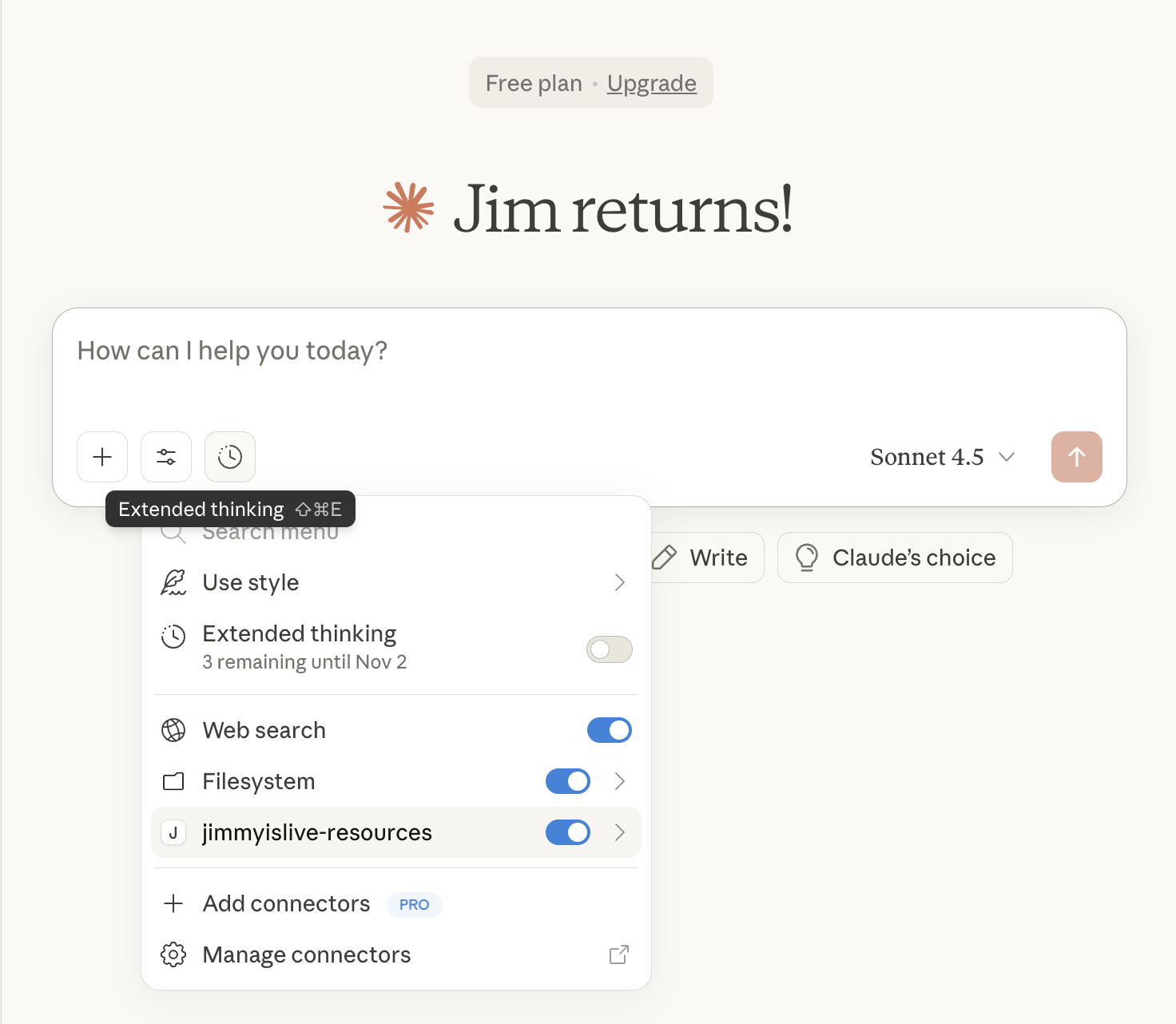
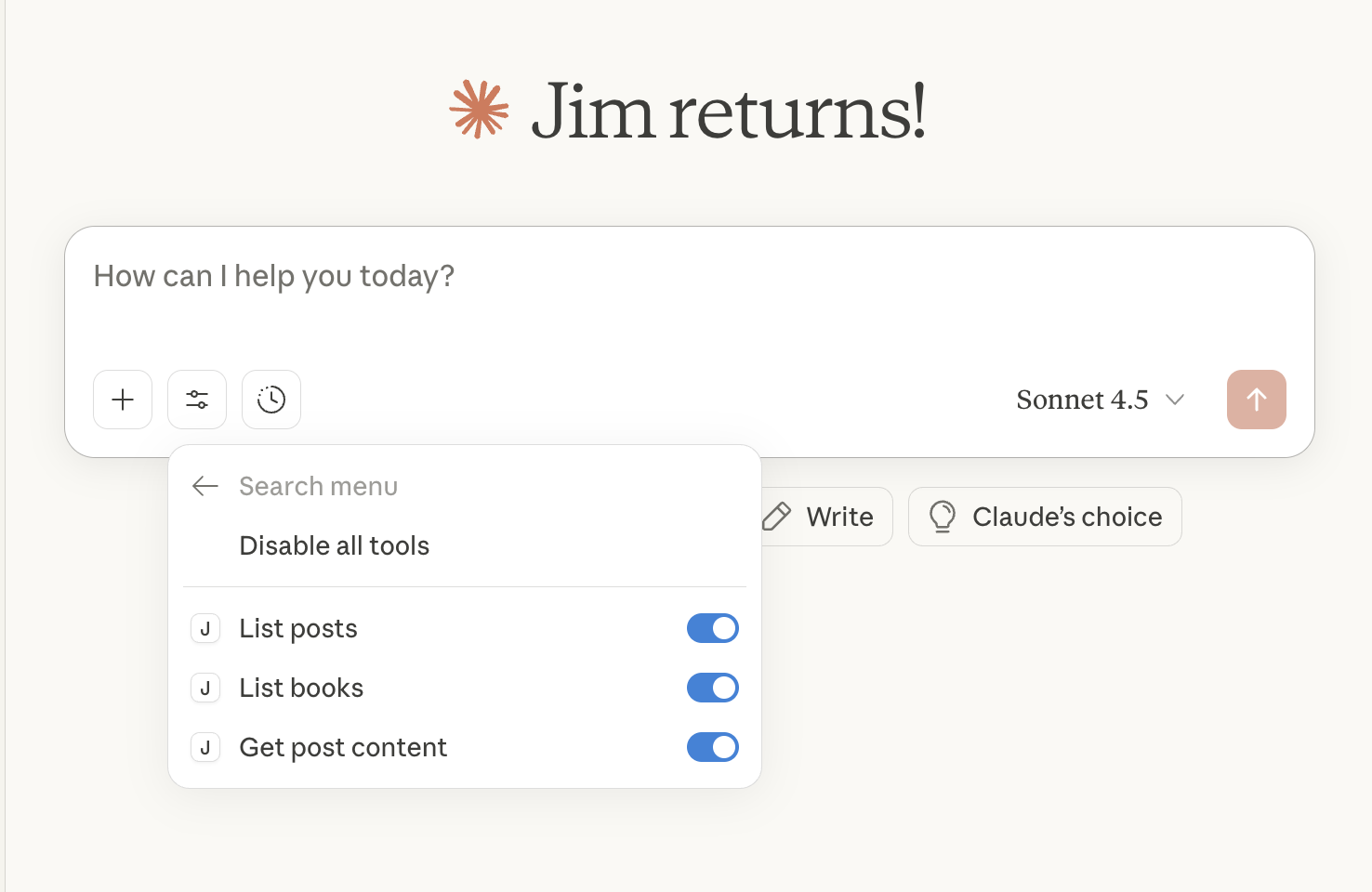
Let’s try calling it…
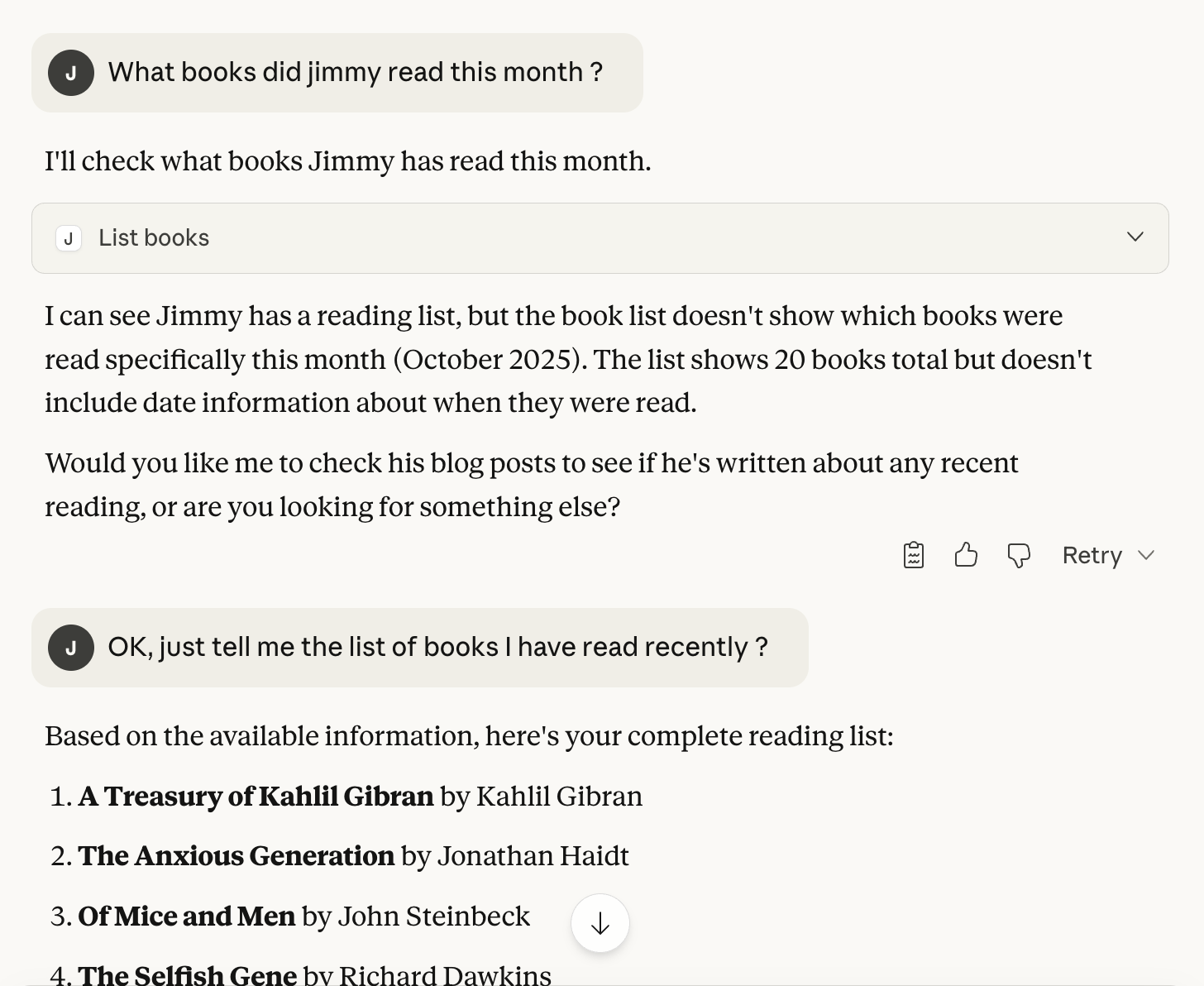
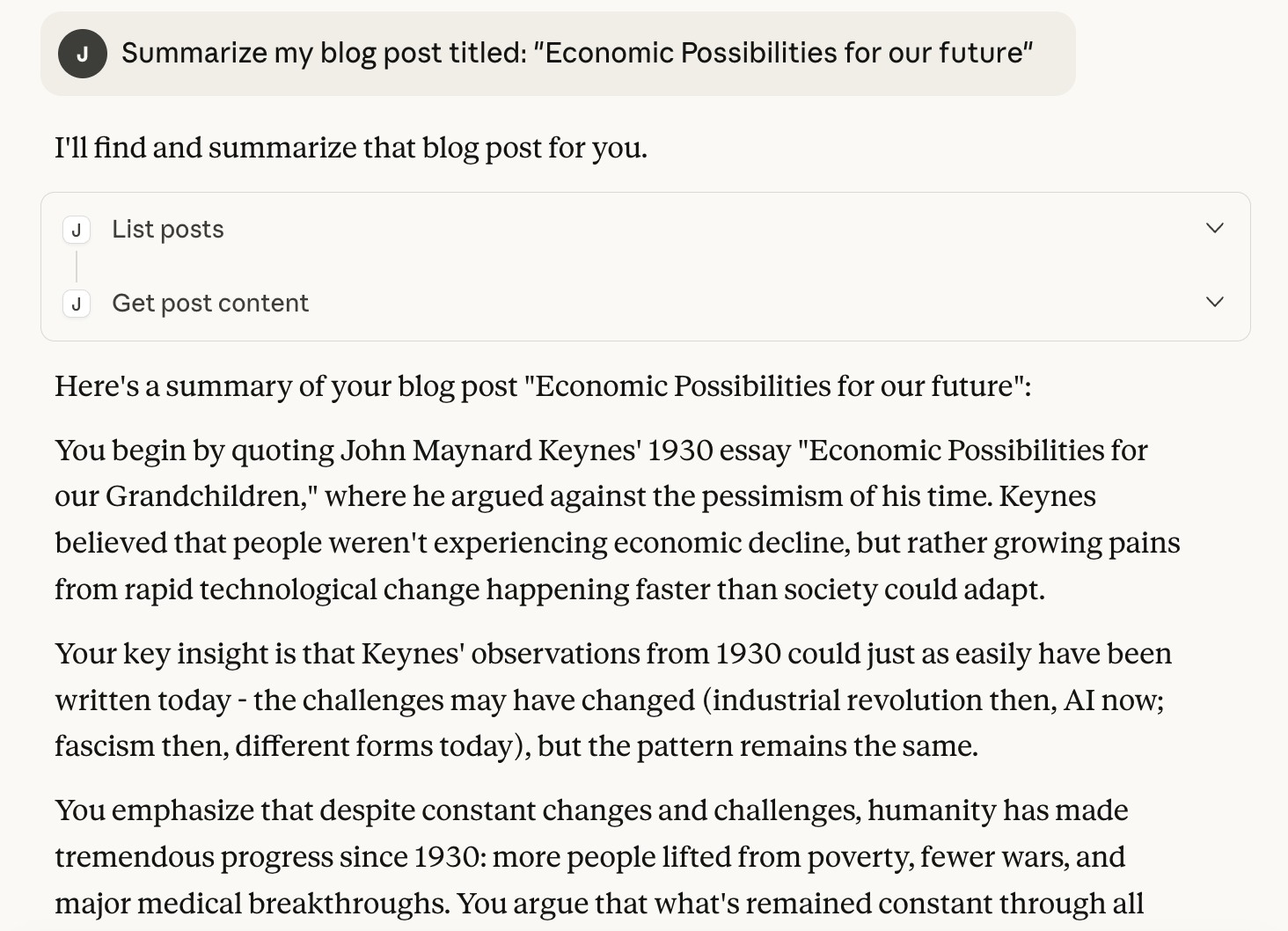
As seen above, I could use the claude prompt to collect info about books I have recently read, summarize a post etc by using the MCP server to provide this info as context.
All without writing a single line of code myself !
Parting Thoughts:
- The first version of the MCP server was not correct. It did not list the tools properly and was using an older framework. I had to use Cursor to rewrite it with a new framework to get it working. I ran into some issues like the requirements.txt not being run etc which I corrected manually
- You have to know some basics about what MCP is etc to tie all the pieces together. While AI really does turbo charge your productivity, you still need to know what you are doing to utilize the power of AI effectively.
- I have to admit, there was some satisfaction when you had to hand code this yourself. With AI doing most (all?) of this, I accomplished a lot, but did lose out on some of the joys of programming. On a macro level there are huge productivity wins. But on a micro level, we may be losing out on that joy of tinkering.